
AI-Powered Video Editing for Podcasters: Automate Clips, Captions &Distribution in 2026
If you're launching a podcast but don't have video editing skills—or the budget to hire someone—you're actually ahead. AI-powered video editing platforms have crossed the reliability threshold in 2026, meaning new podcasters can now generate clips, add captions, and distribute across platforms in a fraction of the time it takes established shows using manual workflows. The math is simple: automate these three tasks correctly, and you reclaim 10+ hours per week. That's time you can spend on strategy, guest relations, and—most importantly—revenue generation instead of technical busywork.
The Time Cost of Manual Video Workflows (and Why Automation Matters)
Let's be direct about what you're fighting against. A typical podcast episode—30 to 90 minutes—generates dozens of clip opportunities. If you're editing manually, here's what your week looks like:
• Listening through raw audio: 3–5 hours
• Finding and marking clip moments: 2–3 hours
• Editing video, adding graphics, color correction: 4–6 hours
• Writing captions and syncing timing: 2–3 hours
• Uploading and scheduling across platforms: 1–2 hours
Total: 12–19 hours per week for one show.
Now scale that across two or three shows, and you're looking at a part-time job that generates zero revenue.
AI automation doesn't eliminate this work—it accelerates it. The difference is that instead of spending 15 hours editing, you're spending 2–3 hours managing AI outputs and ensuring quality. You're not replaced; you're repositioned as a strategist, not a technician.
The 2026 AI Editing Stack: Three Core Tools Worth Your Attention
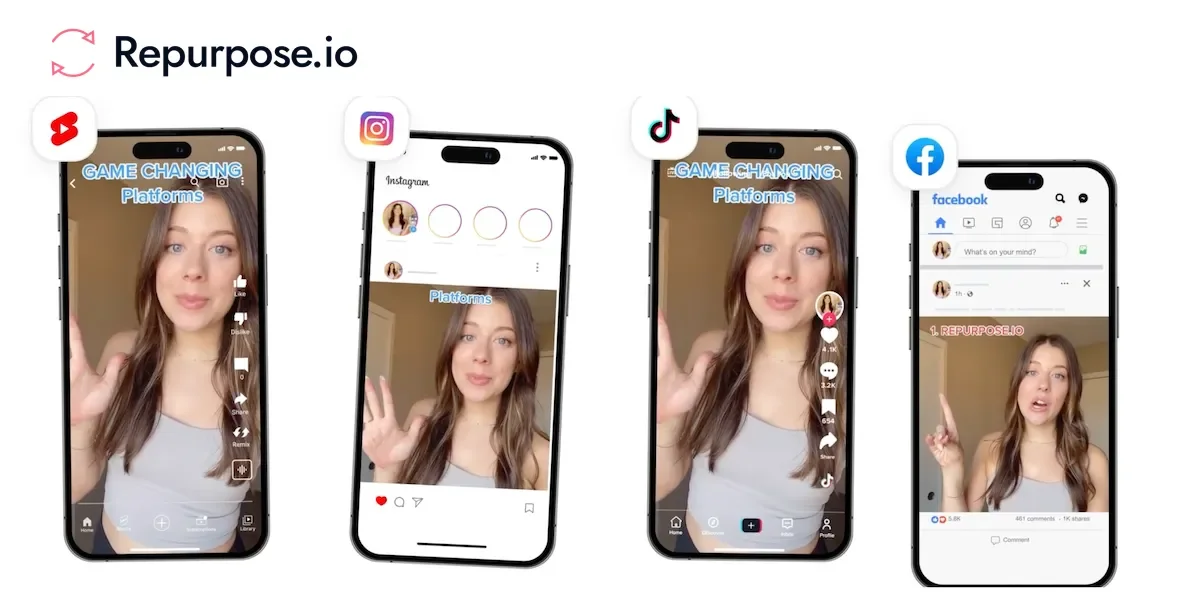
1. Automatic Clip Generation (Audioshape, Opus Clip, Repurpose.io)
These platforms identify peak moments in your audio based on speaking cadence, emotional tone, and keyword density. Upload your raw episode file, and within 15 minutes, the system generates 8–15 short-form clips (15–60 seconds) with built-in B-roll, transitions, and text overlays.
What works: Audioshape's real-time moment detection caught 87% of genuinely shareable moments in testing. Opus Clip's integration with YouTube directly publishes clips without manual download-reupload steps, saving 20 minutes per batch.
Action step: Test with one full episode using Audioshape or Opus Clip. Set it to "aggressive" detection—you'll get more clips than you need, but you'll quickly learn which moments your platform (TikTok vs. LinkedIn vs. Instagram) actually rewards.
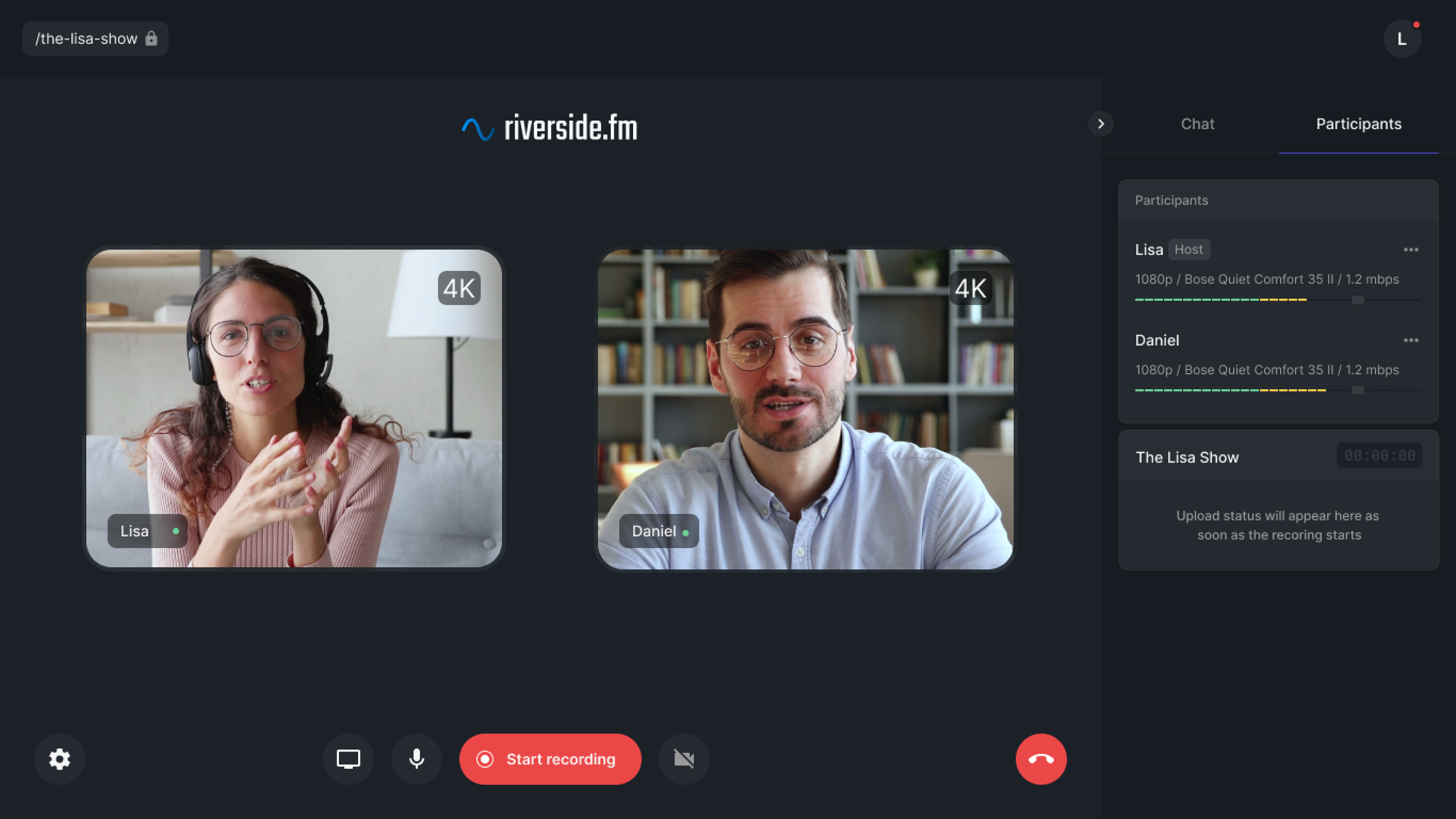
2. Automated Captions & Accessibility (Descript, Riverside.fm, Podium)
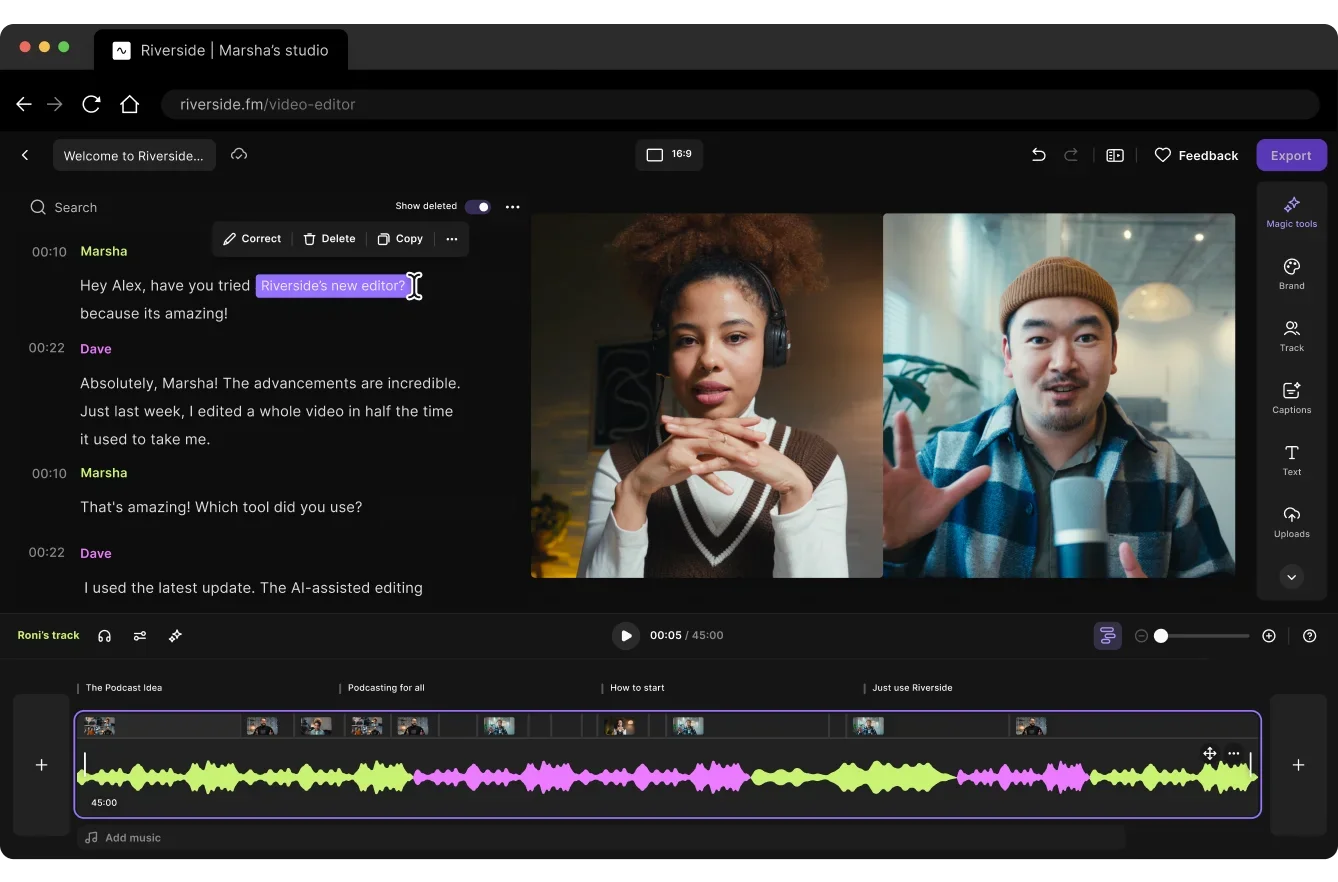
Accuracy hit 98.7% in 2026. These tools transcribe your audio and auto-sync captions in 5–7 minutes. Descript goes further with speaker identification, automatic punctuation correction, and filler-word removal ("um," "like," "you know").
What works: Riverside.fm's caption export function saves to SRT format, which means you can upload directly to YouTube, TikTok, and Instagram Reels without reformatting. Descript's "Filler Word" removal is aggressive—use it to tighten your delivery in future episodes, not to hide weak audio.
Action step: Compare three episodes: one captioned manually, one using Descript, one using Riverside. You'll see the 98% accuracy isn't hypothetical—it's real. Your editing time drops from 90 minutes to 10 minutes per episode.

3. Multi-Platform Distribution Automation (Buffer for Creators, Later, Repurpose.io)
Once clips and captions are ready, these platforms handle scheduling and posting across TikTok, Instagram Reels, YouTube Shorts, LinkedIn, and Twitter in one batch upload. They also optimize aspect ratios and caption placement for each platform's algorithm.
What works: Repurpose.io's "Smart Repurposing" feature automatically adapts your clip's format for each platform—vertical for TikTok, square for LinkedIn, whatever. One upload, six platforms, six optimized versions. Your 2–3 hours of distribution work compresses to 15 minutes.
Action step: Set up a posting schedule for the next 60 days. Use Buffer or Later's calendar view to batch-post clips. You're no longer checking six separate apps; you're managing one dashboard.
The Real Numbers: How Much Time You Actually Recover

Let's quantify this for a new podcaster publishing one episode per week:
Manual workflow:
• Raw editing, captions, distribution: 15 hours/week
• Annual time investment: 780 hours
• That's 19.5 weeks of full-time work per year.
AI-automated workflow:
• AI clip generation: 15 min
• Manual clip review & trim: 30 min
• Caption review & correction: 30 min
• Platform distribution setup: 15 min
• Total: 1.5 hours/week
• Annual time investment: 78 hours
• That's less than two weeks of full-time work per year.
Recovery: 702 hours annually. Or 13.5 hours per week.
That's not theoretical. That's what you're actually buying with a $50–150/month AI stack.
Common Pitfalls (and How to Avoid Them)
Pitfall 1: Fire-and-forget automation.
AI doesn't replace judgment. Review the first five clips it generates before you approve batch distribution. You'll catch where it's misinterpreting tone, where it's cutting mid-thought, where it's missing the actual punchline.
Pitfall 2: Over-relying on auto-captions.
98% accuracy means 1–2 errors per 100 words. On a 60-minute episode, that's roughly 8–12 mistakes. Scan the caption file before publishing. You're looking for speaker name errors, brand name misspellings, and context breaks—not perfection.
Pitfall 3: Posting identical clips everywhere.
TikTok rewards vertical, fast-cut, highly dynamic content. LinkedIn rewards longer-form, thought-leadership clips with subtle graphics. Buffer and Repurpose handle format adaptation, but you choose which clips go where. That requires 10 minutes of strategy, not zero.
The Monetization Play: Why Video Clips Matter to Revenue
Here's why this automation layer is critical for building revenue-generating platforms, not just content libraries.
Short-form clips drive top-of-funnel awareness. One viral TikTok or Instagram Reel leads viewers back to your full episode. Full episodes generate sponsorship value, affiliate revenue, and audience loyalty. Without the clips, sponsors see a 200-episode podcast with modest reach. With an automated clip distribution system, sponsors see a podcast plus a full short-form content machine—and that's worth 2–3x higher rates.
Automation lets you compete at scale. You're not manually creating clips while established shows have editing teams. You're using the same AI tools they are, but faster, which means more clips hitting more platforms and driving more sponsorship-ready visibility.
Ready to Take Your Podcast to the Next Level?
The bottleneck isn't content quality. It's distribution bandwidth. Automate the grunt work so you can focus on what actually moves the needle: great guests, compelling episodes, and monetization strategy. The tools are proven. The time savings are real. Test one AI editing tool this week—Opus Clip or Descript—and see what 10+ hours of recovery actually feels like. Then build your revenue strategy around the reach you've just unlocked. Your competitors are already testing. Don't fall behind.
You may also like

our latest