
Video Podcast Studio Setup Under $2000: Professional-Grade Gear That Actually Works for Live Streaming
Your listeners don't just want to hear you—they expect to see you. Video podcasting is now table stakes for audience growth. The reality? You don't need $15K to launch a professional video podcast that generates revenue. We've built monetization-first platforms for creators on tighter budgets than yours, and we're sharing the exact gear and software stack that delivers broadcast-quality results for under $2000.
The Camera: Start Here (Budget: $300–$800)
Your camera is your face to the audience. This is where production value begins.
Logitech C920x or Razer Kiyo X ($150–$200)
If you're working from a desk, a high-end USB webcam is your fastest entry point. The Kiyo X delivers 1080p at 60fps with solid low-light performance. Plug it in, no drivers required. This works if you're solo and consistency matters more than depth.
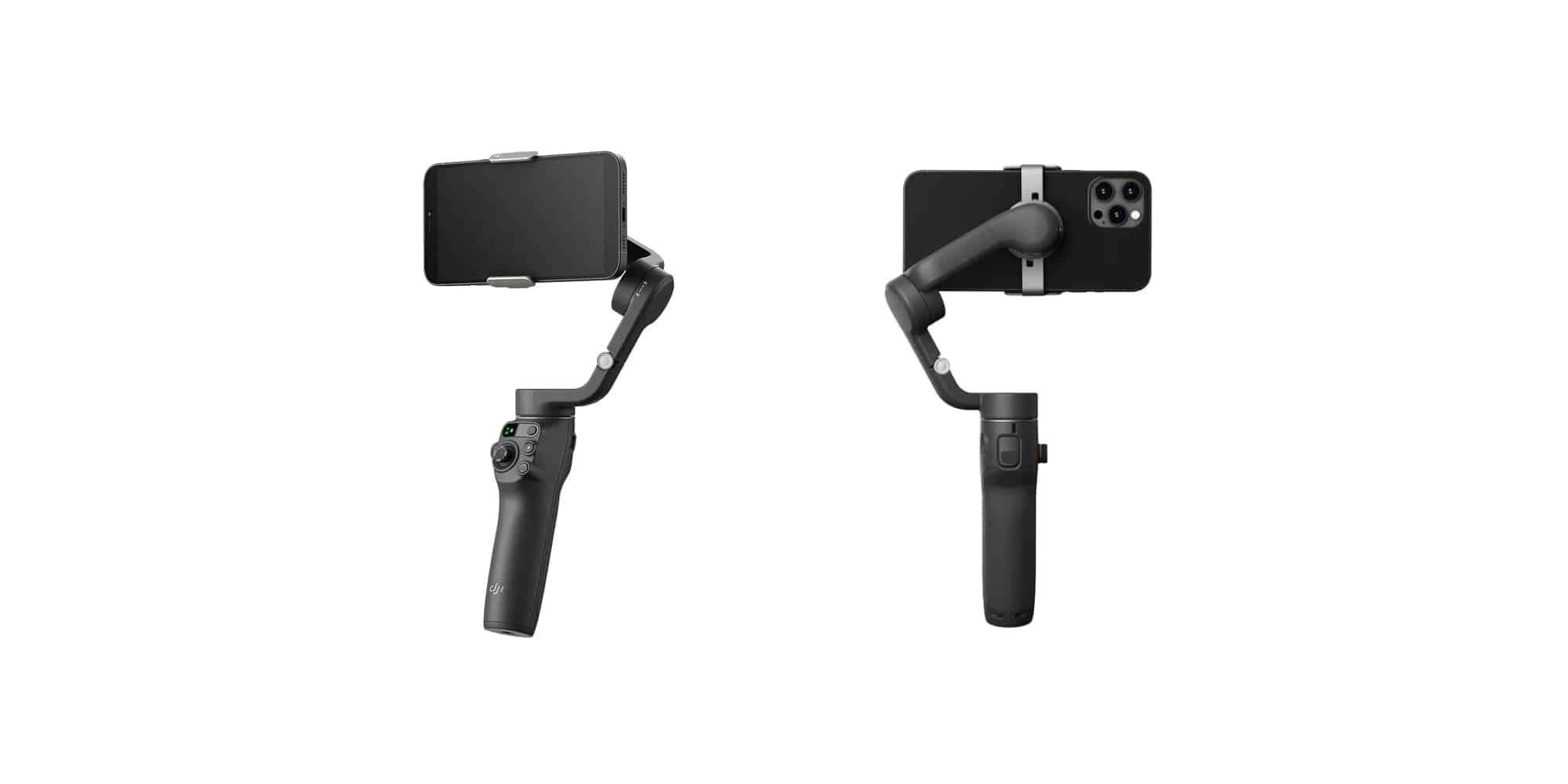
DJI Osmo Mobile 6 ($300–$350)
Upgrading to a smartphone gimbal gives you mobility and professional framing. Pair it with an iPhone 15 Pro or Galaxy S25, and you've got 4K capture with autofocus at a fraction of what a mirrorless setup costs. Perfect for field content or multi-location interviews.
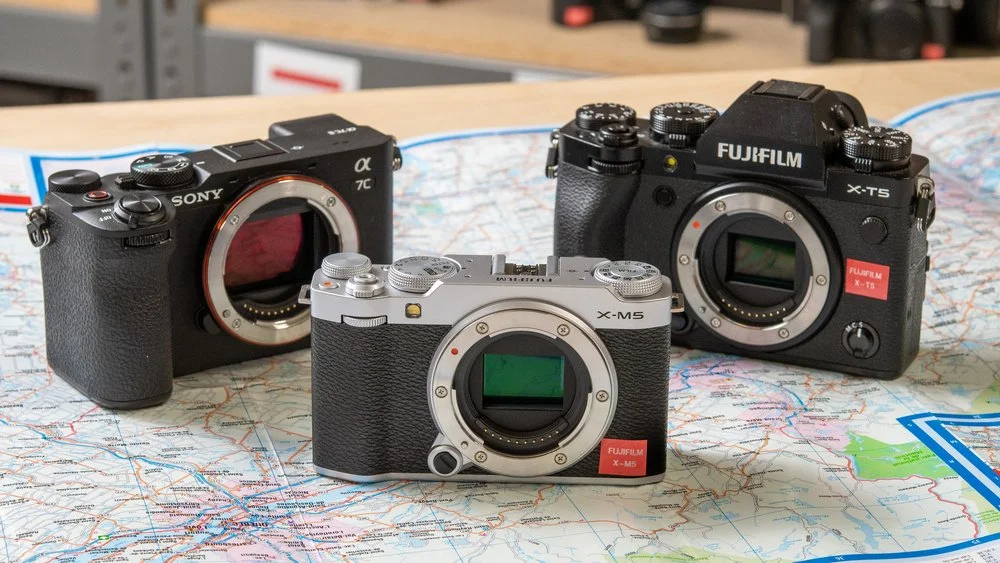
Used Mirrorless Camera + Capture Card ($500–$800)
Hunt eBay or local sellers for a used Canon M50 Mark II, Sony A6400, or Panasonic S5II. Pair it with a $50–$100 USB-C capture card. You'll get cinema-quality footage, clean HDMI output, and room to grow into professional lighting. This is where you unlock guest interview production value.
The Rule: Shoot for 1080p at 60fps minimum with clean HDMI output if using mirrorless. USB webcams work for solo shows. Cameras matter when interviewing guests or demonstrating products—both monetizable content types.
Audio Gear: This Is Non-Negotiable ($400–$700)
Video podcasts fail on audio quality. Period. Viewers tolerate mediocre video. They won't tolerate bad sound. Bad audio also tanks sponsorship deals—brands notice.
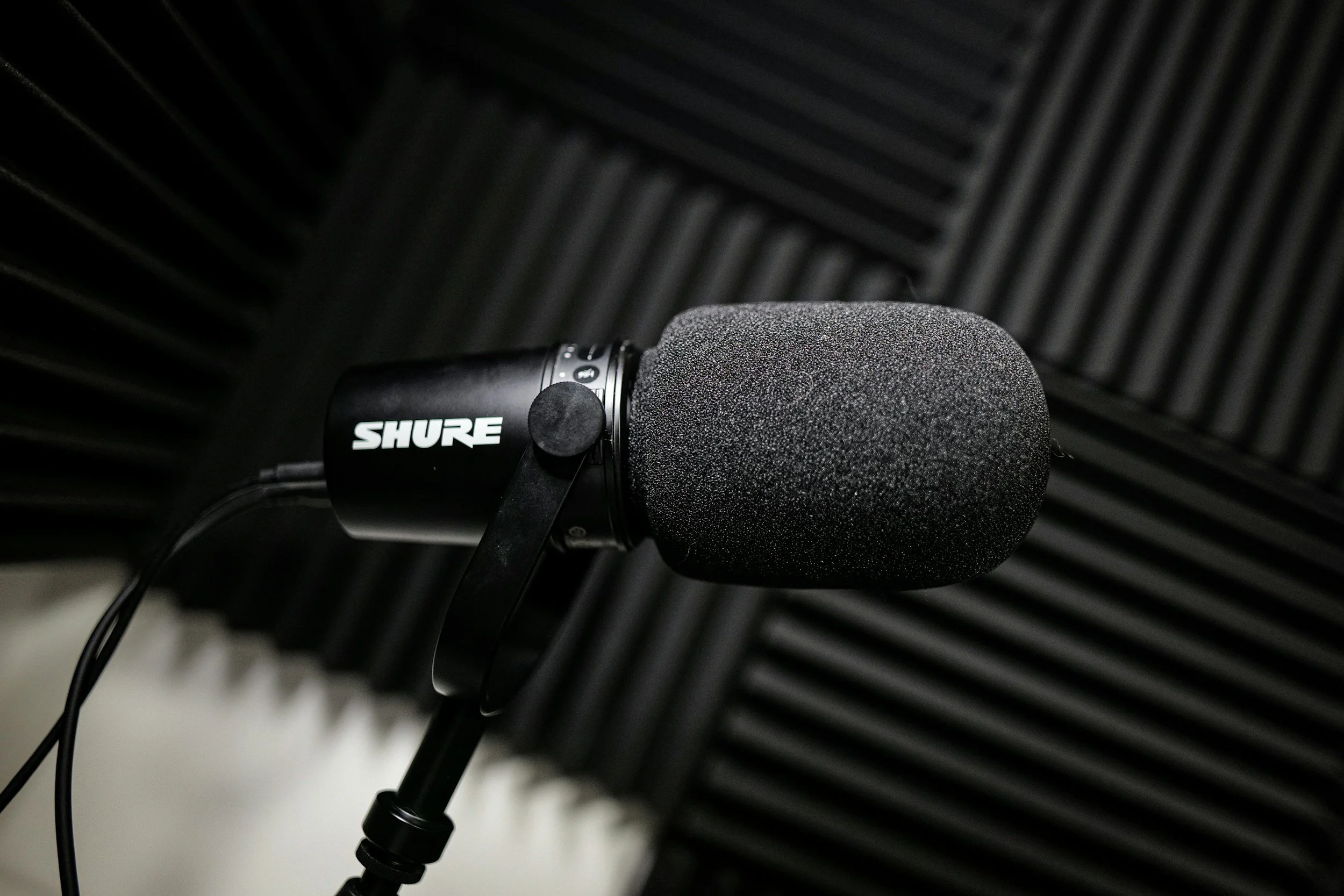
Microphone: Audio-Technica AT2020 or Shure SM7B ($150–$400)
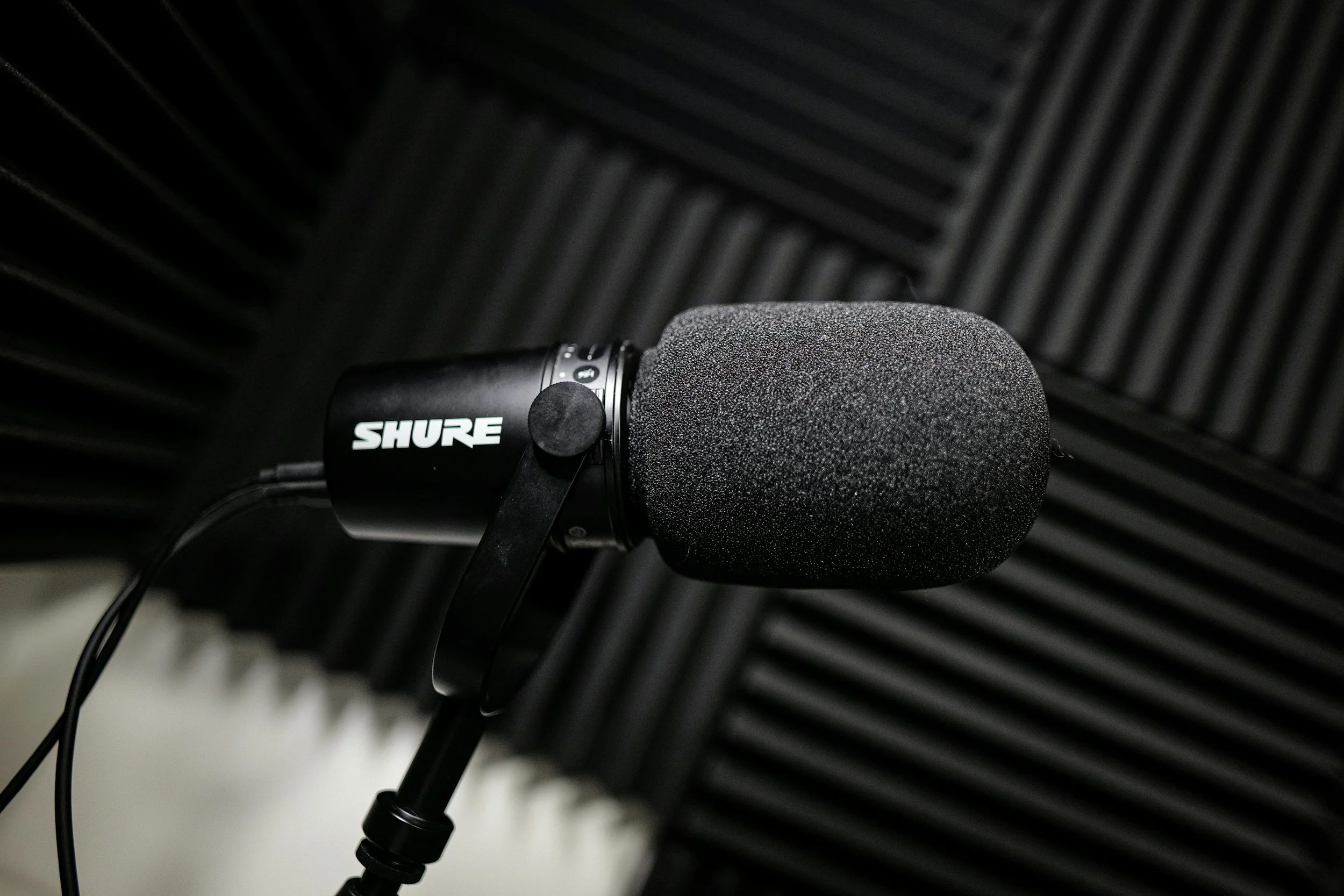
The AT2020 is the standard—cardioid pattern, low noise floor, XLR output. The SM7B is what professionals use. Neither requires phantom power beyond a basic interface.
Cables and Stands ($80–$150)
This matters more than it sounds. Get quality XLR cables (Mogami or Canare), a shock mount, a boom arm, and a pop filter. Bad cables introduce hum and noise. Shock mounts eliminate vibration. Skip this, and your $400 microphone sounds cheap.
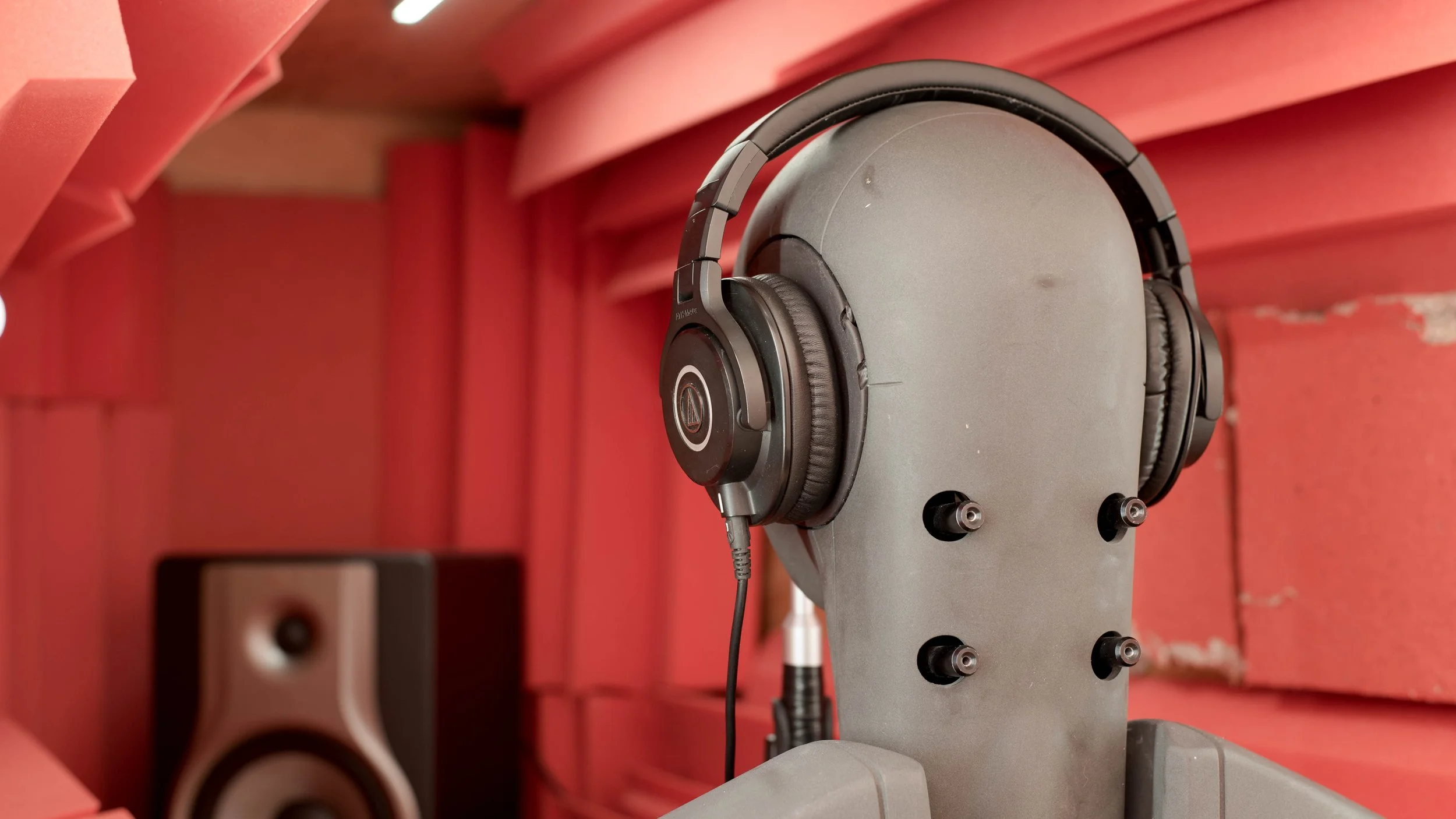
Headphones: Audio-Technica ATH-M40x ($100–$150)
You need flat-response monitoring headphones. Not gaming headsets. The ATH-M40x are studio standard, comfortable for long sessions, and affordable.
Lighting and Background ($300–$400)
Video is light. You can have a $5000 camera, but without proper lighting, you'll look unprofessional. Sponsors notice this too.
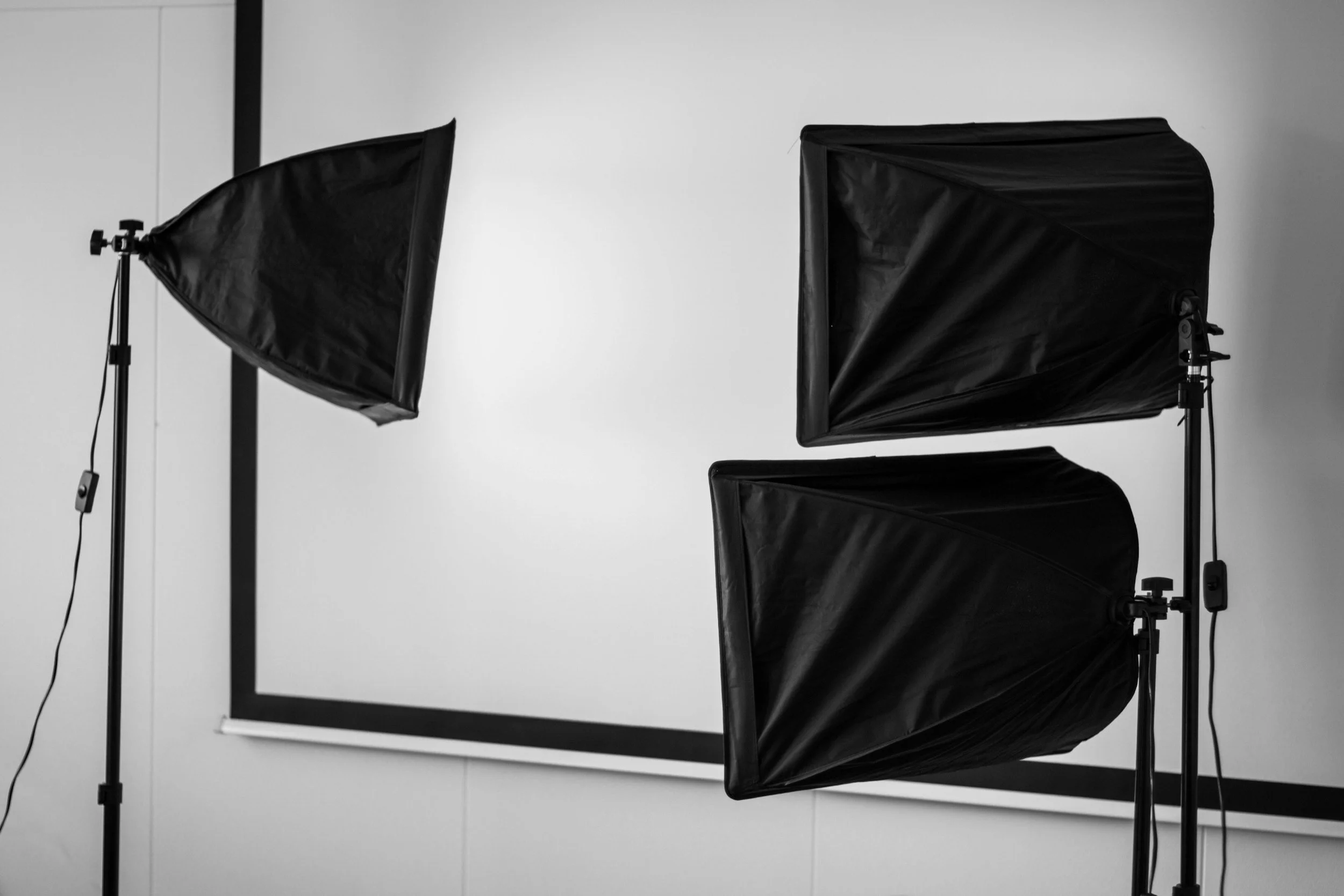
Key Light: Neewer RGB LED Panel or Aputure MC4s ($80–$200)
Two 2700K–5600K panels cost around $150 total. Position your key light 45 degrees from your face, slightly above eye level. Your fill light goes opposite at half intensity. This eliminates harsh shadows and looks professional on camera.
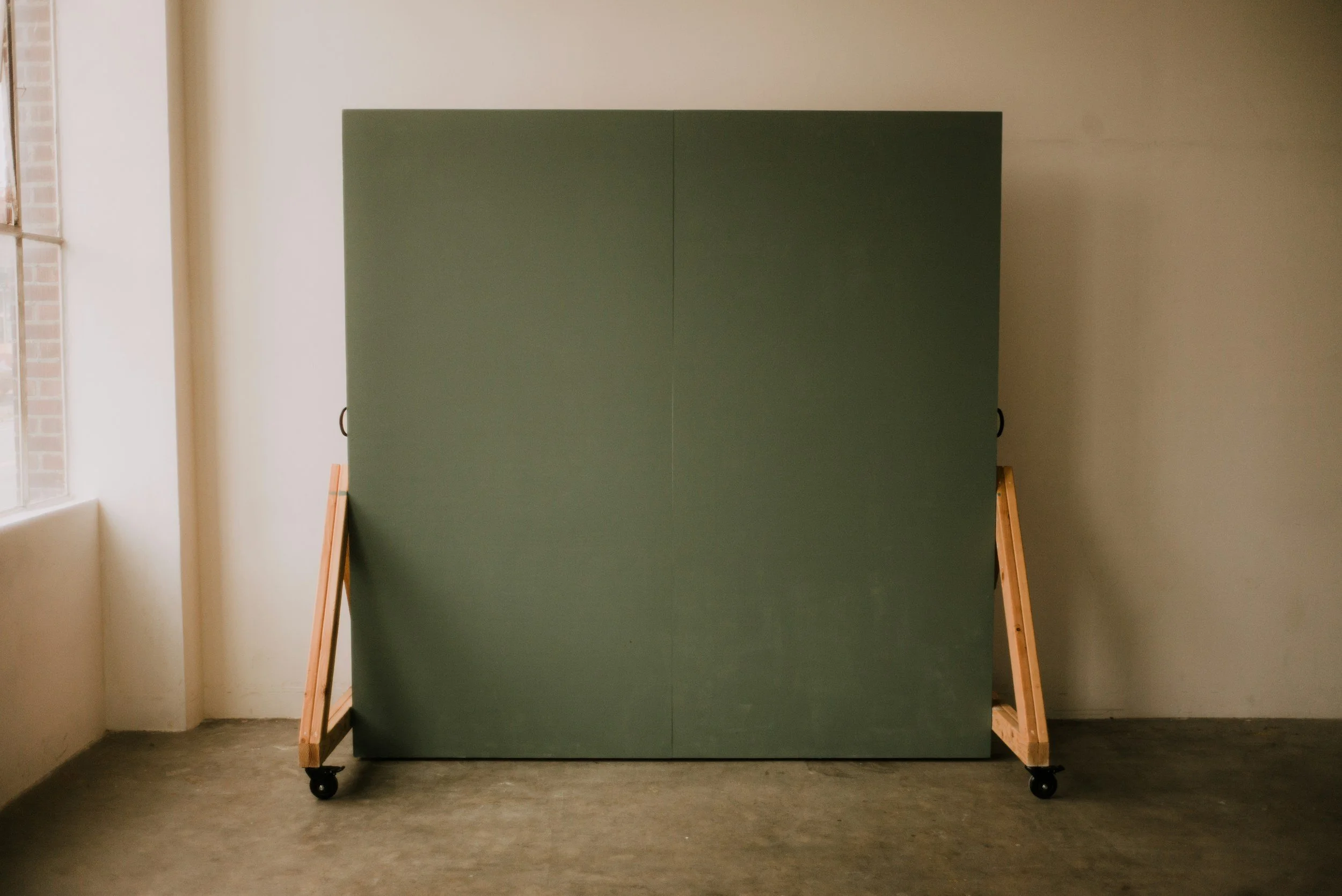
Backdrop ($50–$100)
A muslin backdrop stand ($40) plus solid color fabric ($10–$20) is all you need. Green screen is overkill for talking-head content. Stick with navy, charcoal, or deep green. Consistent color matters more than perfection.
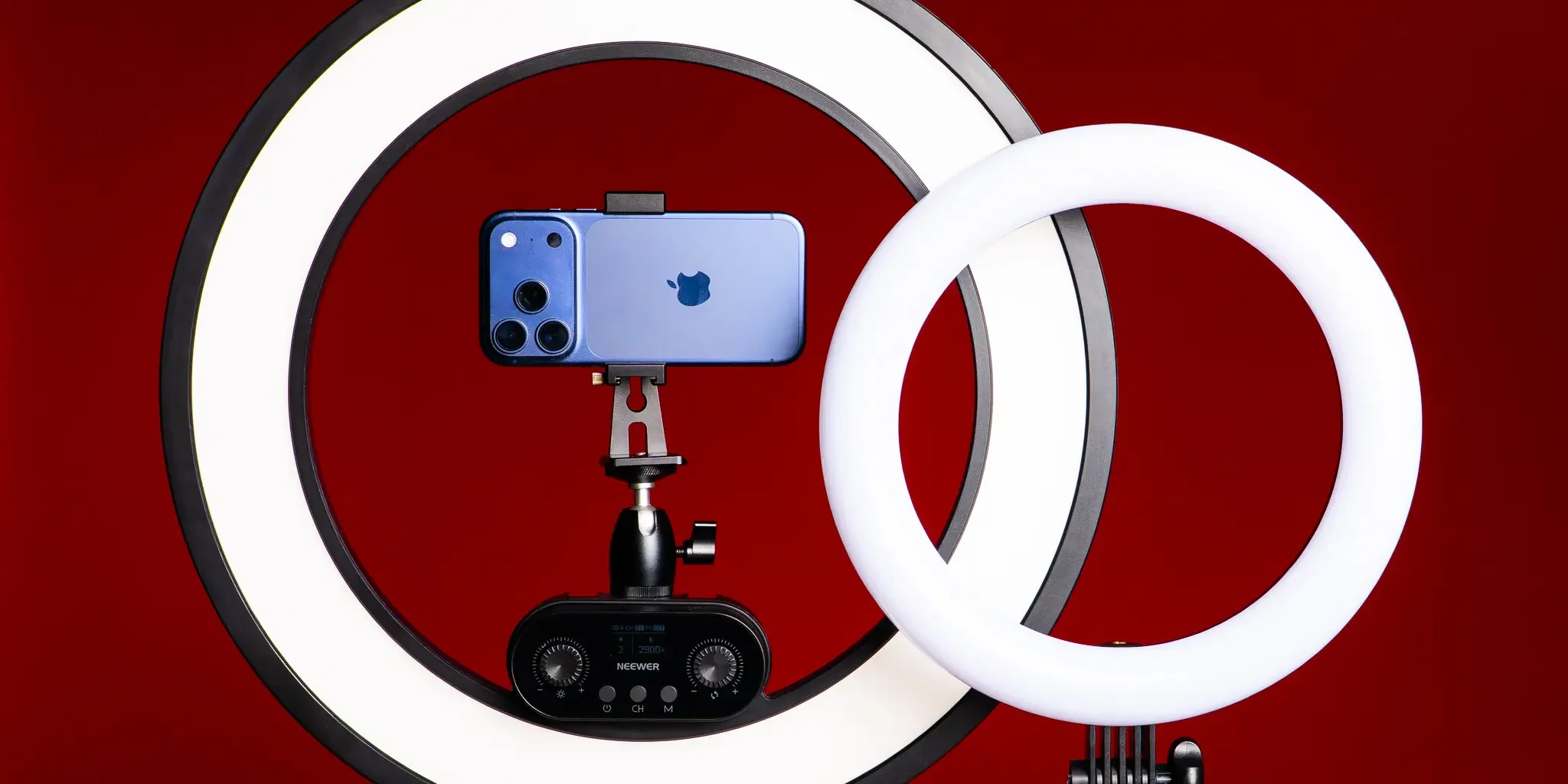
USB Ring Light Alternative ($40–$80)
On a tight budget? A 16-inch ring light mounted above your camera eliminates shadows and works solo. Not cinema lighting, but professional enough for most starting shows.
Streaming and Recording Software (Free to $20/month)
Your software stack determines whether you can go live, record for YouTube, and build clips simultaneously—all critical for audience and sponsor growth.
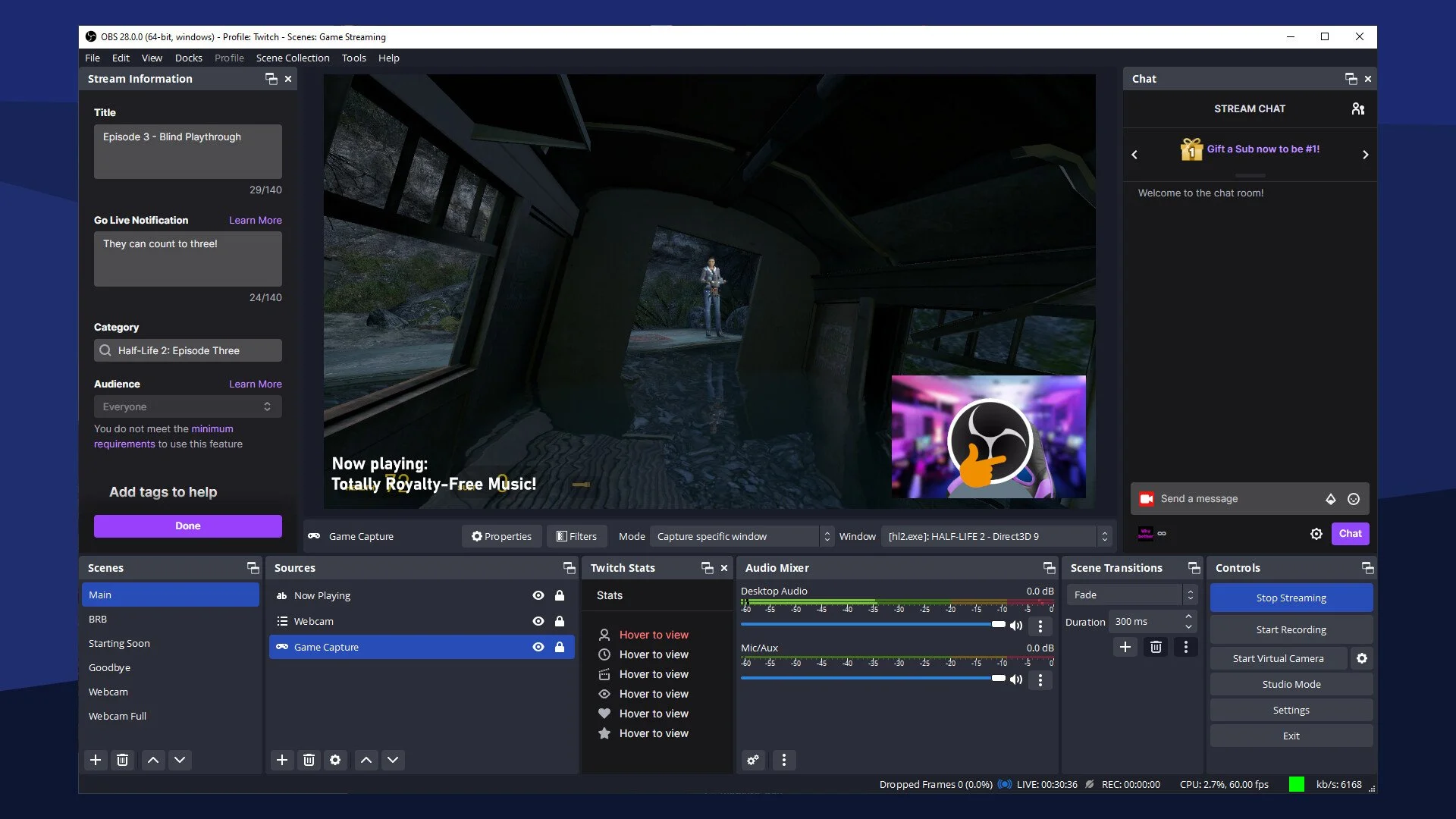
OBS Studio ($0 — Open Broadcast Software)
Free, open-source, and used by professionals on Twitch and YouTube. OBS handles multiple camera angles, screen sharing, graphics, and multitrack recording. Learning curve exists, but two hours of YouTube tutorials unlocks 90% of what you need.
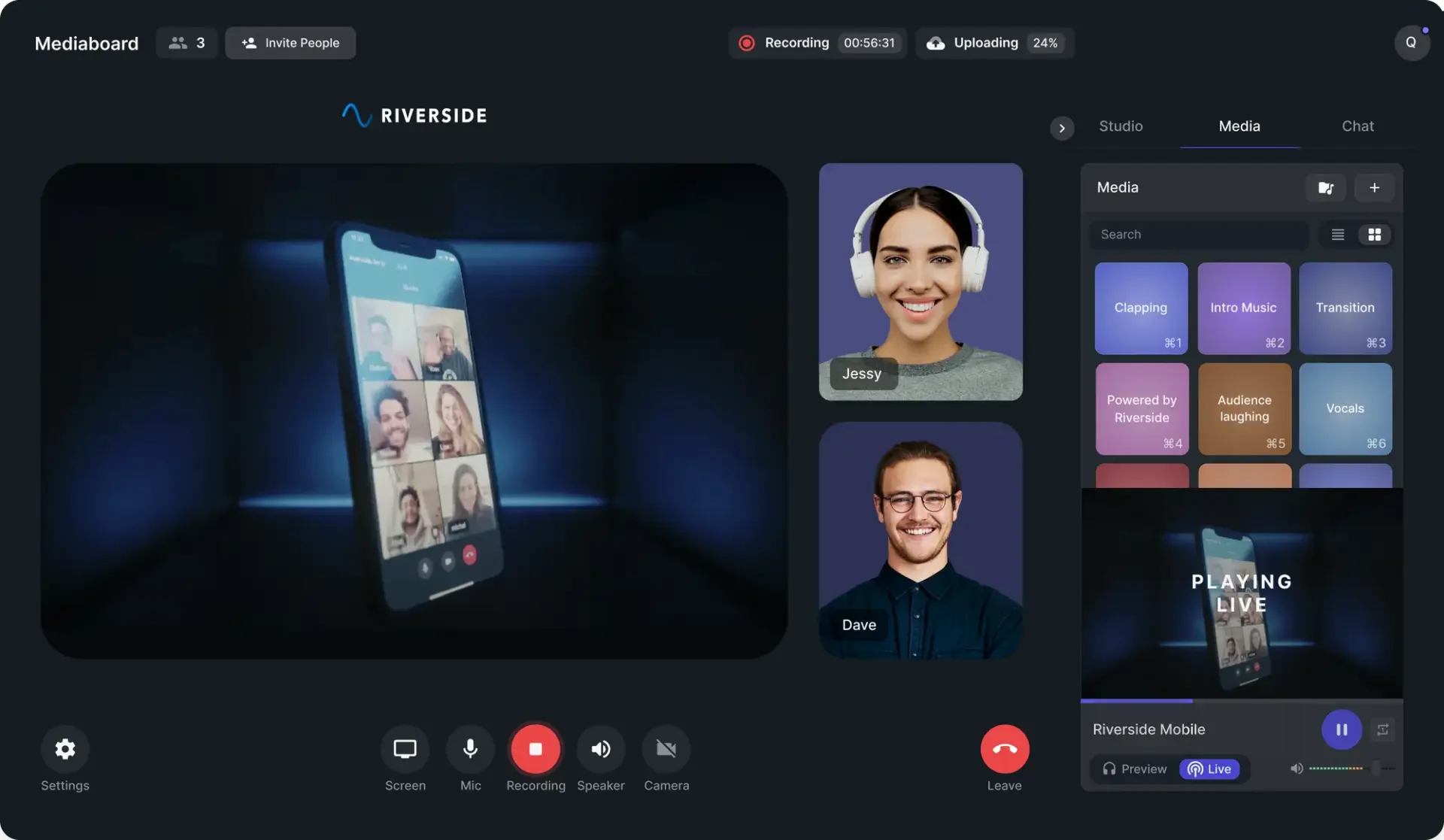
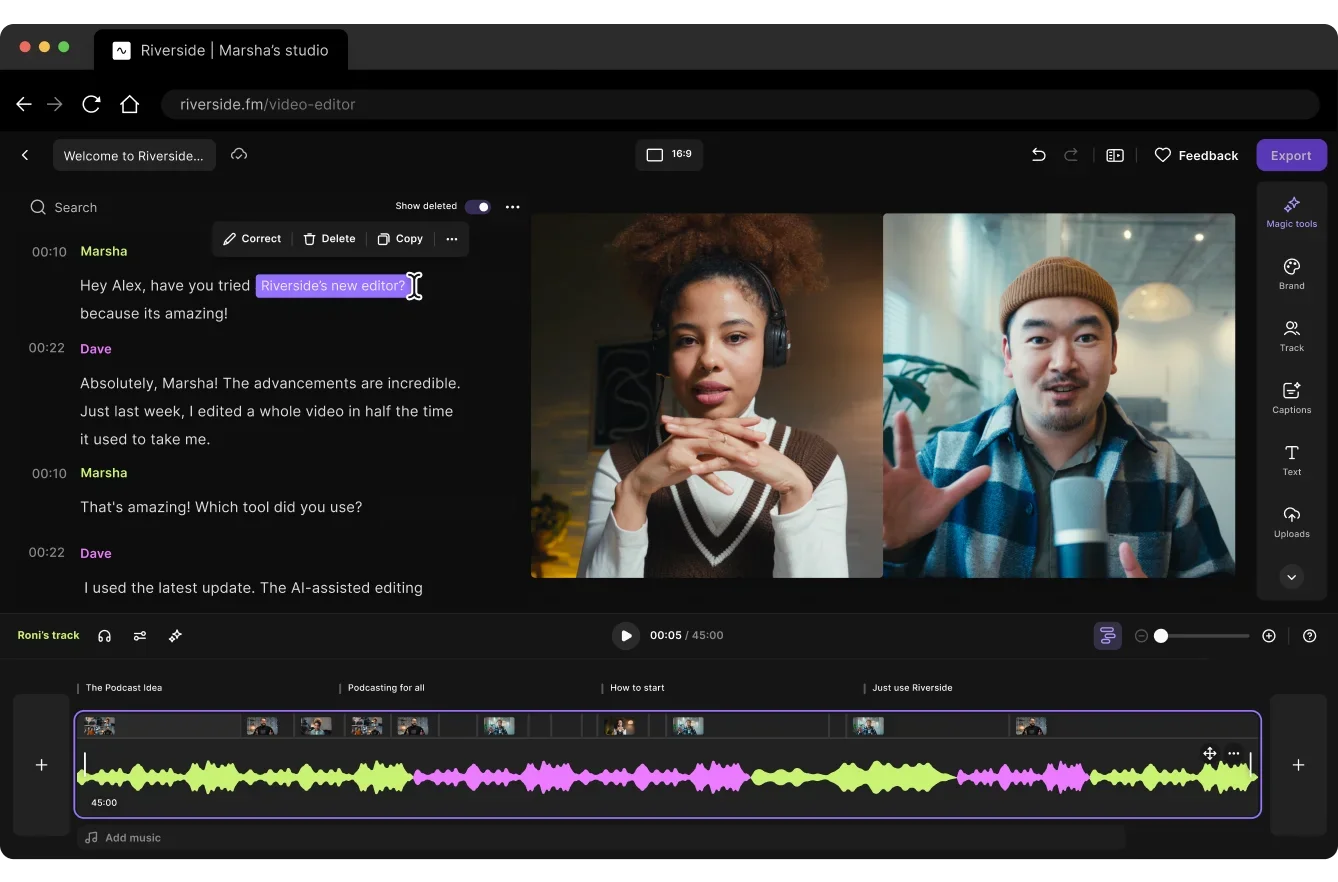
Riverside.fm or Zencastr ($15–$30/month)
For remote interviews. Record locally on guests' computers, upload automatically, get studio-quality audio over bad internet. Essential if you're monetizing through guest content and sponsorships.
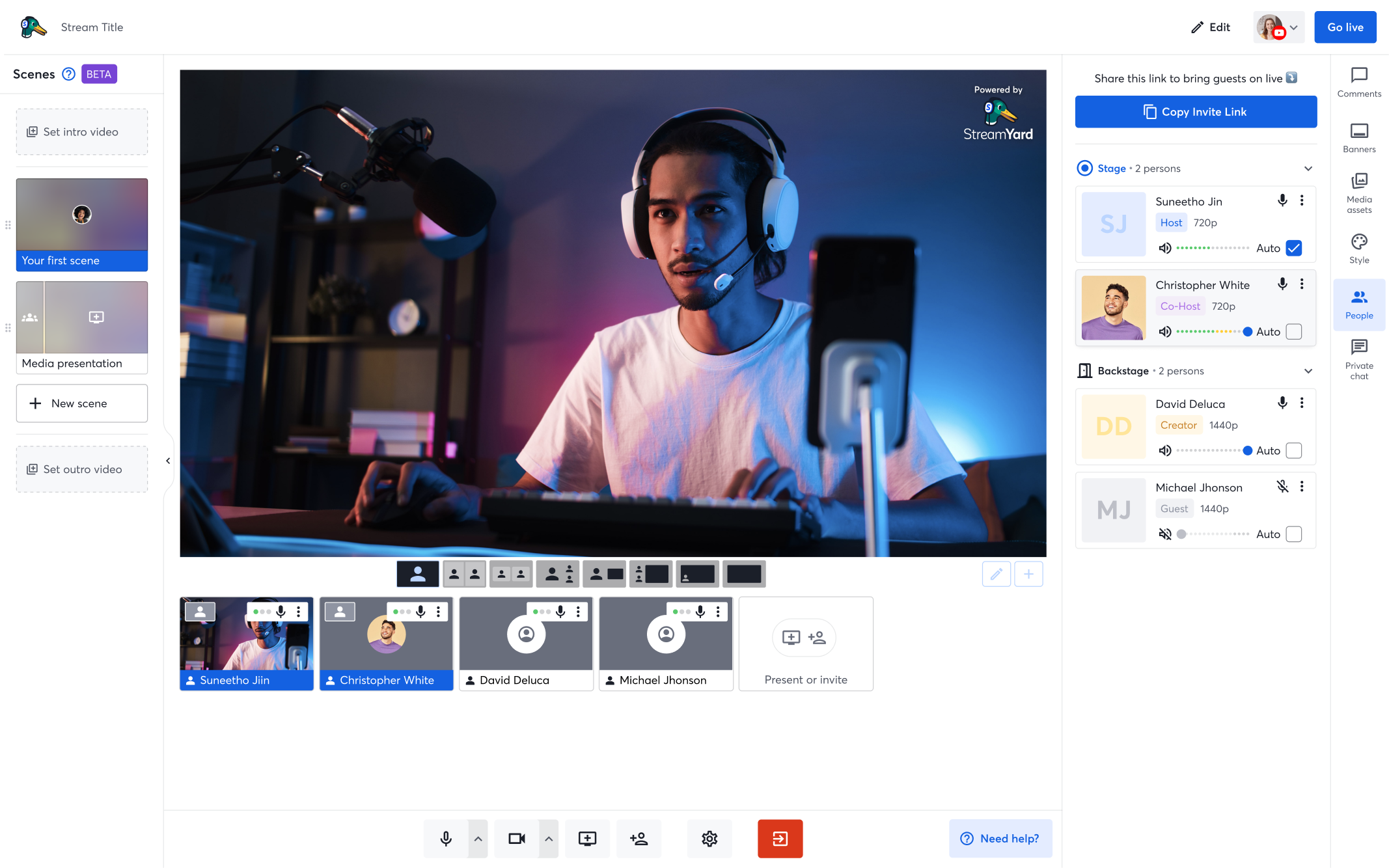
Streamyard ($15–$25/month)
Cloud-based streaming platform. Simpler than OBS, built for live shows across YouTube, LinkedIn, and Facebook simultaneously. Drag-and-drop graphics, built-in chat moderation, minimal setup required.
YouTube or Twitch (Free)
Use these as primary streaming destinations. Both are free, both offer monetization pathways, and both feed your audience-building engine. Master one, expand later.
Your Actual Setup In Practice
Here's what an $1800 video podcast studio looks like:
• Camera: Used Canon M50 Mark II ($400) + Capture Card ($50)
• Audio: AT2020 ($150) + Scarlett Solo ($100) + Cables/Stand ($100)
• Lighting: Two RGB Panels ($150)
• Backdrop: Stand + Fabric ($50)
• Software: OBS Studio (free) + Streamyard ($20/month)
• Monitor and cabling ($400)
Total: $1350. You have $650 left for contingencies.
Your first three months will expose what you actually need. Maybe your lighting is perfect but you need a second camera angle. Maybe your audio is clean but you want a dynamic microphone. Buy based on real feedback. Iterate.
The Real Competitive Edge
Most creators obsess over gear. They don't obsess over consistency. You could have a $2K setup streaming once monthly, or a $500 setup streaming three times weekly with tight, valuable content.
The monetization multiplier isn't hardware—it's frequency and audience retention. Gear enables professionalism. Strategy and consistency enable revenue.
Start with this foundation. Produce relentlessly. Upgrade with actual revenue from sponsorships and affiliates. That's how revenue-generating platforms scale.
Ready to Take Your Podcast to the Next Level?
A solid video podcast setup under $2000 is achievable. But equipment is half the equation—strategy and monetization planning are the other half. At Podcast Space Plus, we help creators turn gear into revenue-generating platforms through production-plus-strategy, sponsorship deal structuring, and audience growth that actually converts. We've built platforms generating $300K–$400K monthly for creators who started exactly where you are. Wondering how to maximize sponsorship value with your setup? Curious about which platform (YouTube vs. Twitch vs. LinkedIn) fits your content and monetization goals? Reach out to the PSP team—let's build your revenue roadmap.
You may also like

our latest